Let it all out.
Save what’s on your mind in Brain Dump—from the camera, your media library, files or a voice recording. Optional location, weather (captured when you save) and hashtags stay with the note.
Explore Brain Dump ↗A calmer planner for busy minds
The ADHD planner for iPhone, iPad and Mac. When your head is full, you don’t need a perfect plan. iFocusFlow helps you capture the noise, find one tiny next step, and make space to focus.

On the App Store for iPhone, iPad and Mac. Discover what’s new in v1.7 below.
Meet your next small step
Less on your mind.More room for your day. Progress at your pace.
The small-step approach
A thought, a task, a day that changed. Give it somewhere to land, then take one manageable step.
Save what’s on your mind in Brain Dump—from the camera, your media library, files or a voice recording. Optional location, weather (captured when you save) and hashtags stay with the note.
Explore Brain Dump ↗Turn a big task into a small action. Speak or type in AI Mode, then review the suggested tasks before saving.
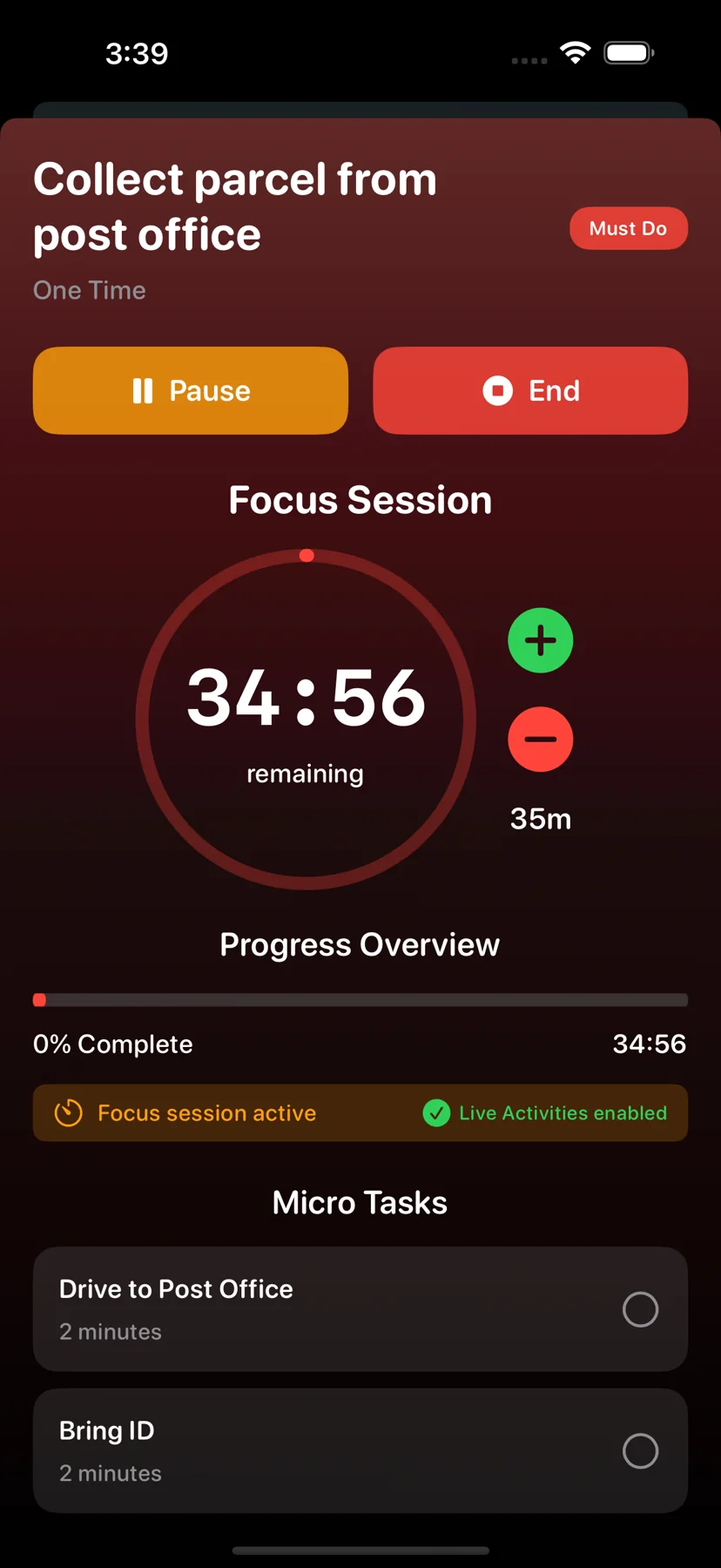
Explore tiny tasks ↗Choose a short focus session. A visible countdown helps keep your next step close.
Explore focus sessions ↗Inside v1.7
Real app screens, a calmer rhythm. Tasks, habits, capture and progress in one place.
AI requires a supported device and configuration.
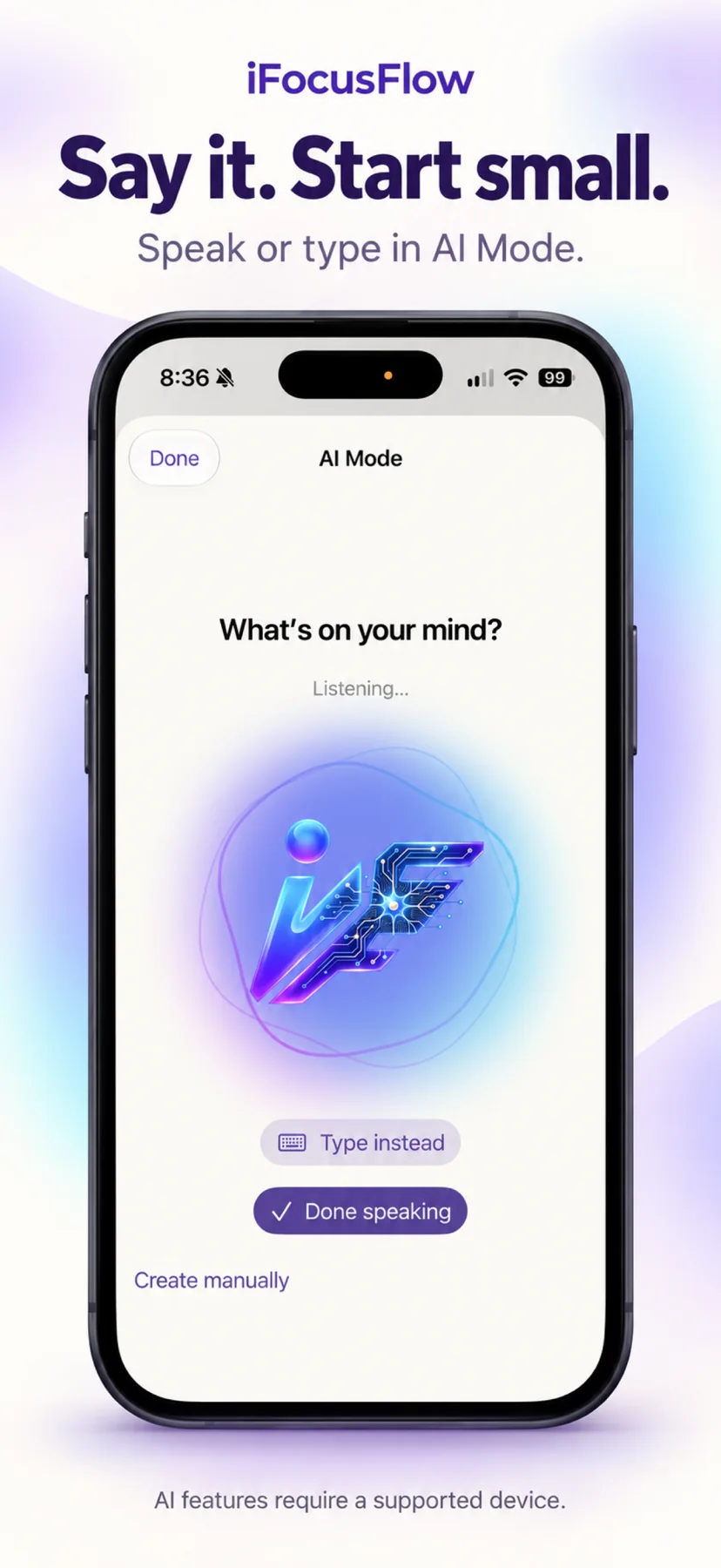
Speak or type in AI Mode.
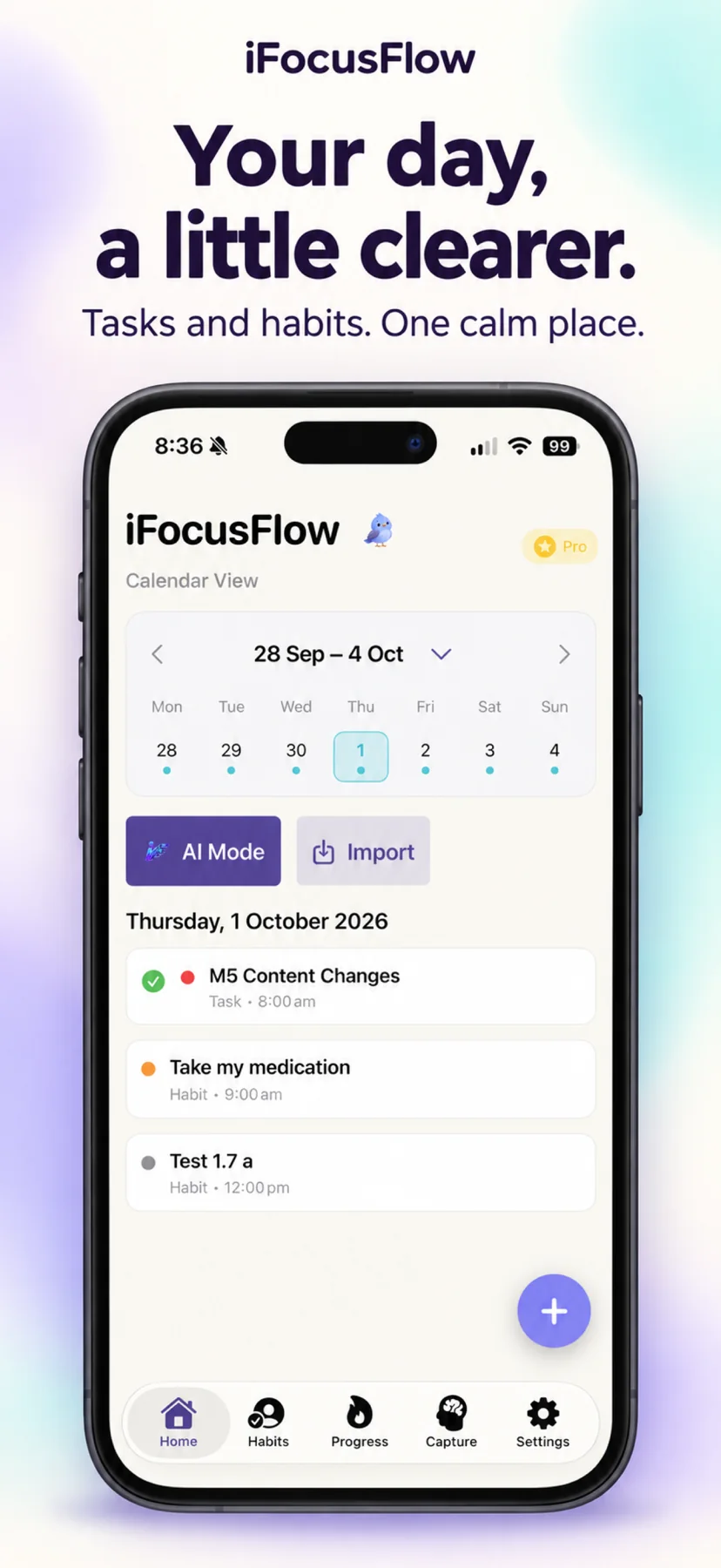
See your tasks and habits together.
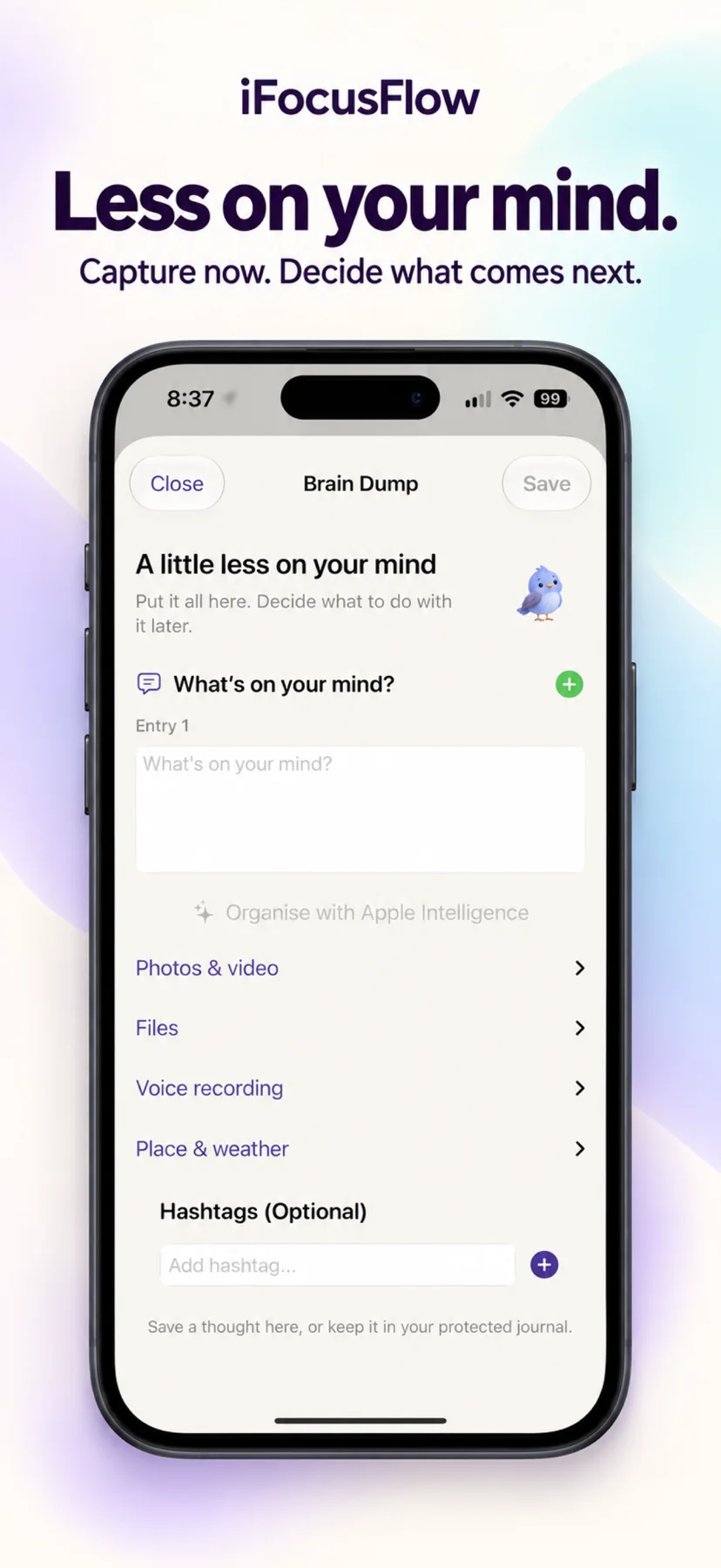
Capture now. Decide what comes next.
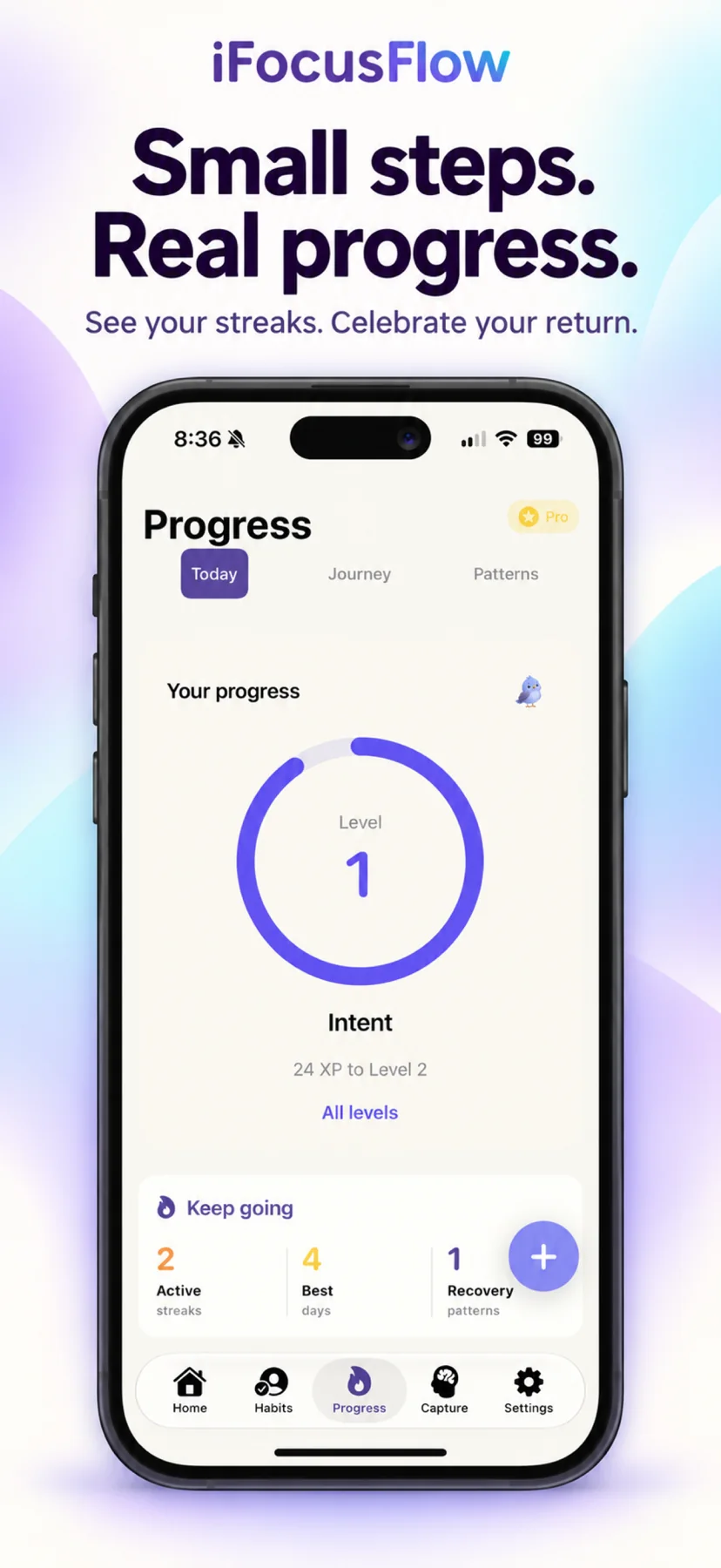
See your progress and celebrate your return.
A little more breathing room
Explore the native Mac app: a simple list, priorities on a board, or your day laid out in a timeline.
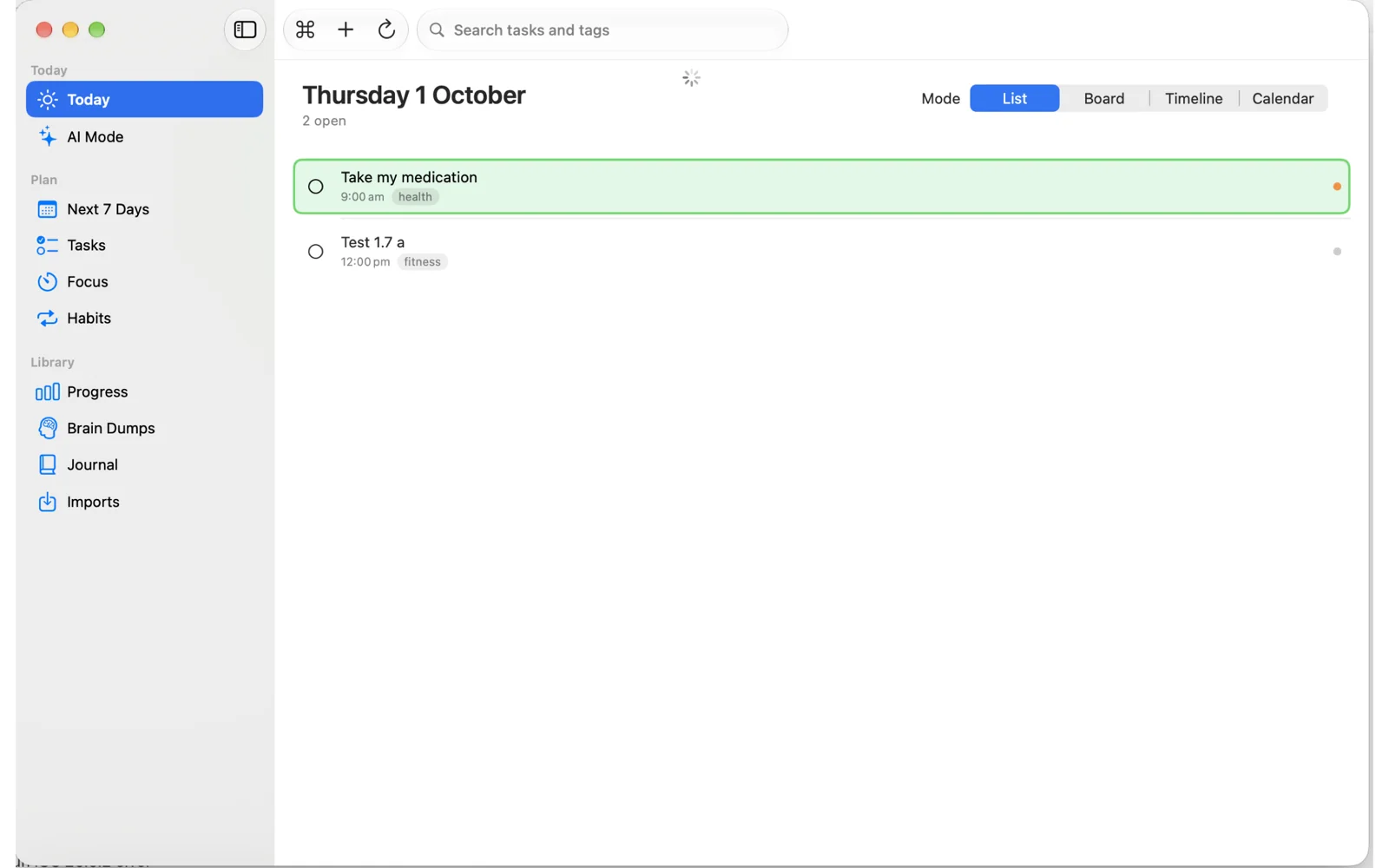
Coming soon in v1.7.1
Coming soon: a beautiful, dedicated iPhone Duo layout. It adapts between folded and unfolded—a side navigation rail, a week strip in portrait, a two-pane month calendar with Today and Tomorrow, and room to run side by side with another app.
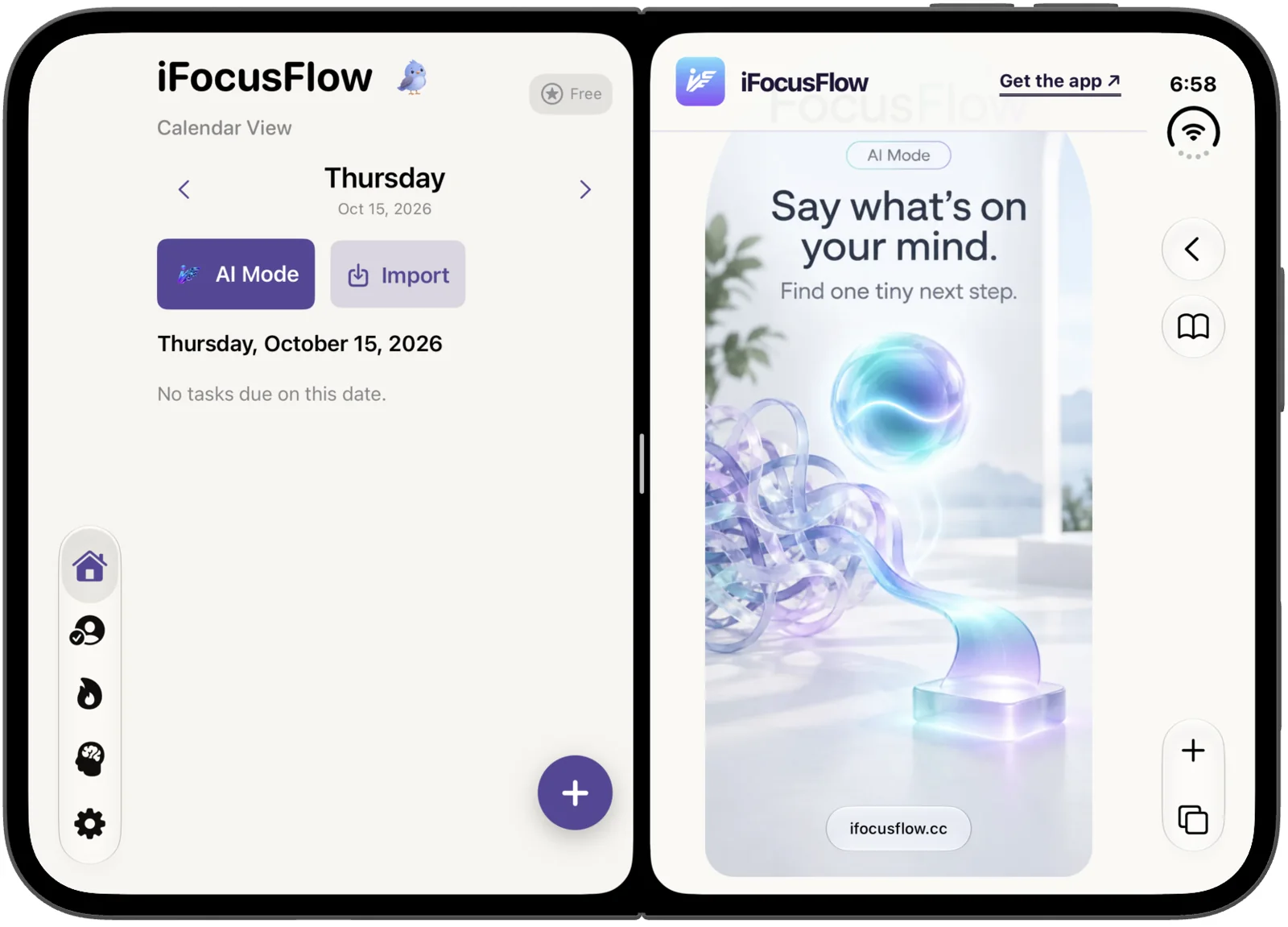
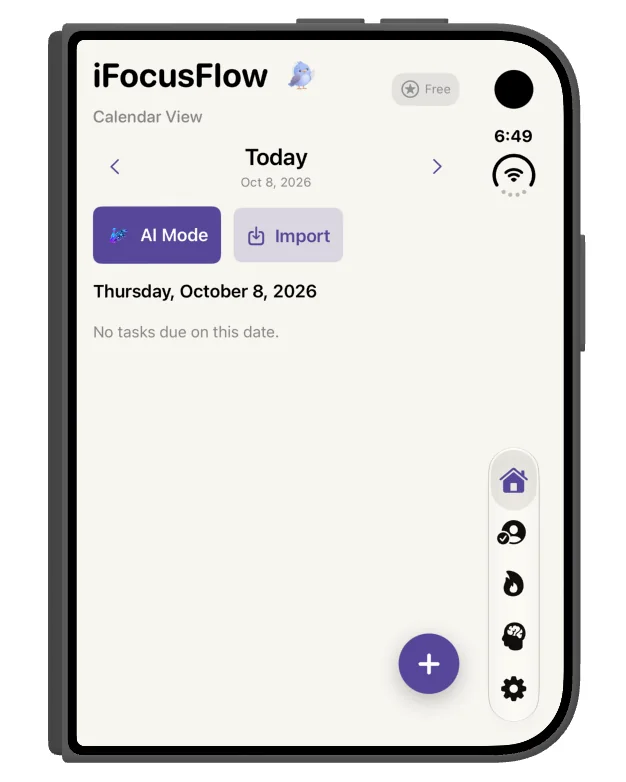
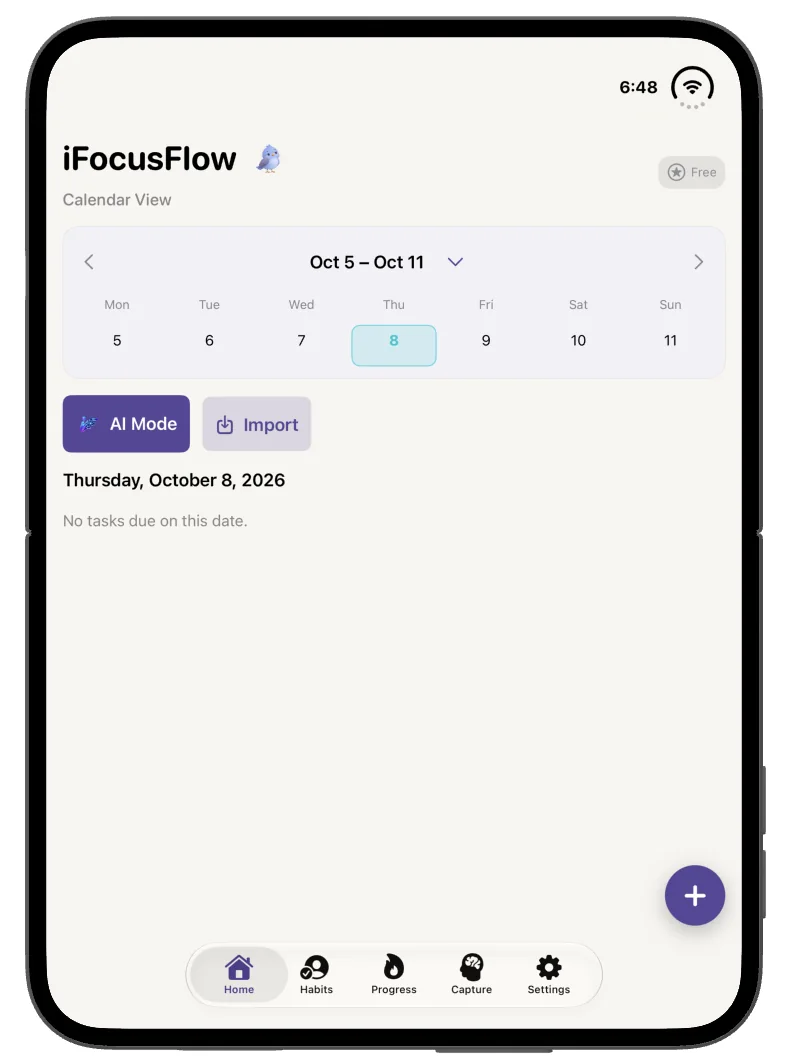
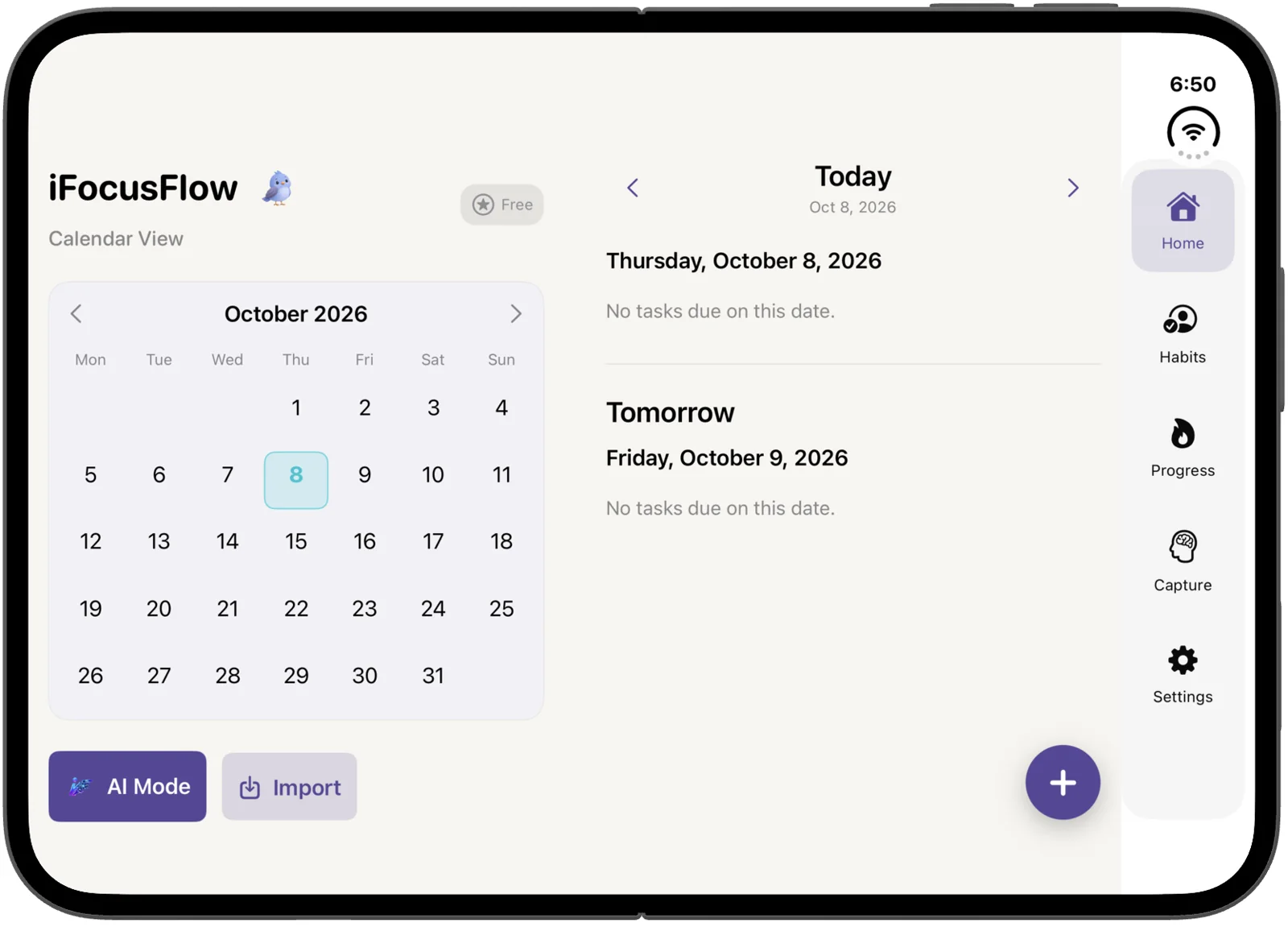
Coming soon in v1.7.1.
Capture & Imports
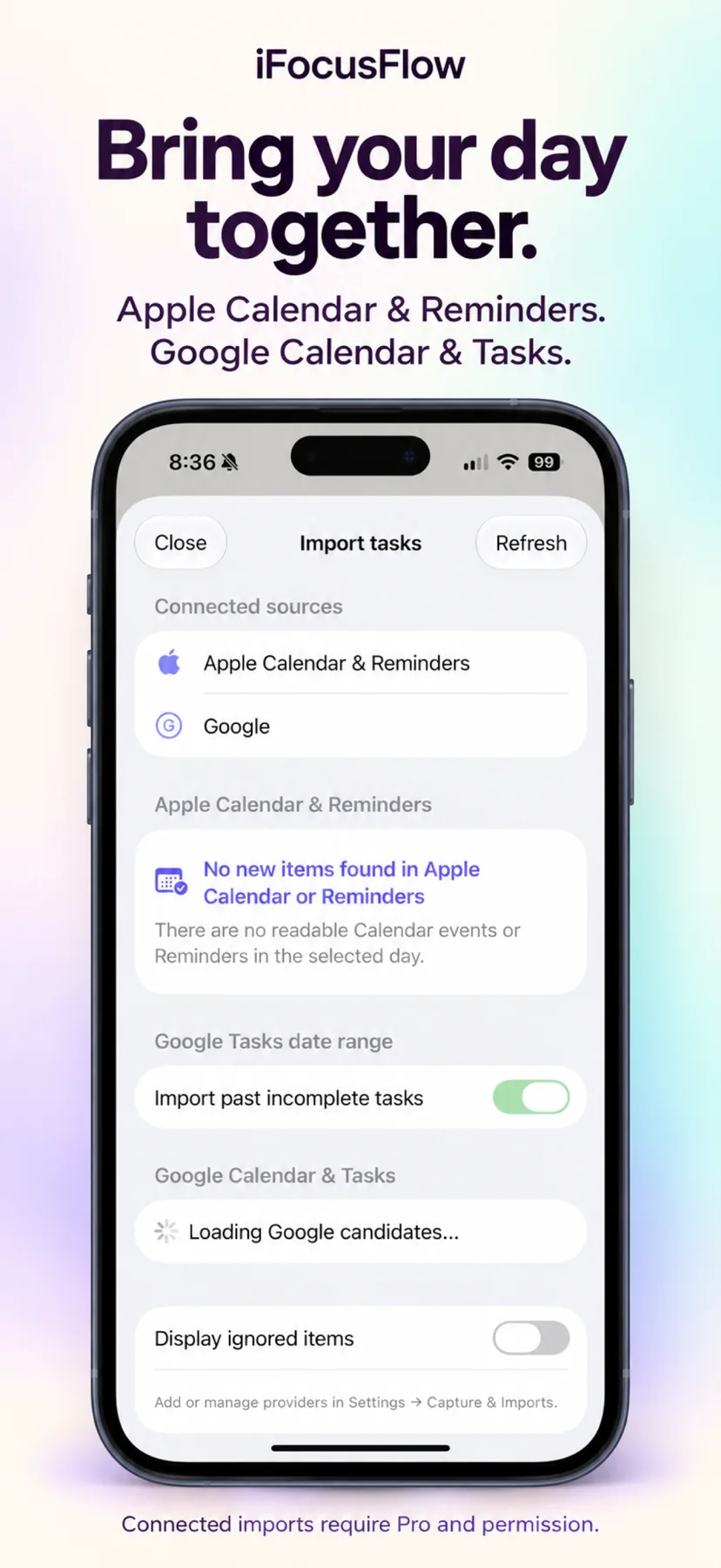
Connect Apple Calendar & Reminders and Google Calendar & Tasks in Settings → Capture & Imports. Refresh connected sources, review candidates, then add them to iFocusFlow. Connected and Auto Import need Pro; Google needs sign-in. Optional iCloud sync keeps the plan on your iPhone, iPad and Mac.
Connect Apple Calendar & Reminders and Google Calendar & Tasks from Settings → Capture & Imports. Add or manage providers there whenever you need to. Google needs a sign-in. Connected imports are Pro.
Refresh connected sources and review each candidate before adding. You can Include a first step, Ignore item, Display ignored items, or turn on Import past incomplete tasks for Google Tasks.
Auto Import is Pro-only, and you can pause it without Pro. It runs on launch and opportunistically through Background App Refresh—iOS does not guarantee those times. Without Pro, connected imports stay paused.
iFocusFlow creates an opaque duplicate claim first. It never edits the Calendar event or Reminder.
iFocusFlow integrates with Siri, so it fits the hands-free way you already use your iPhone.
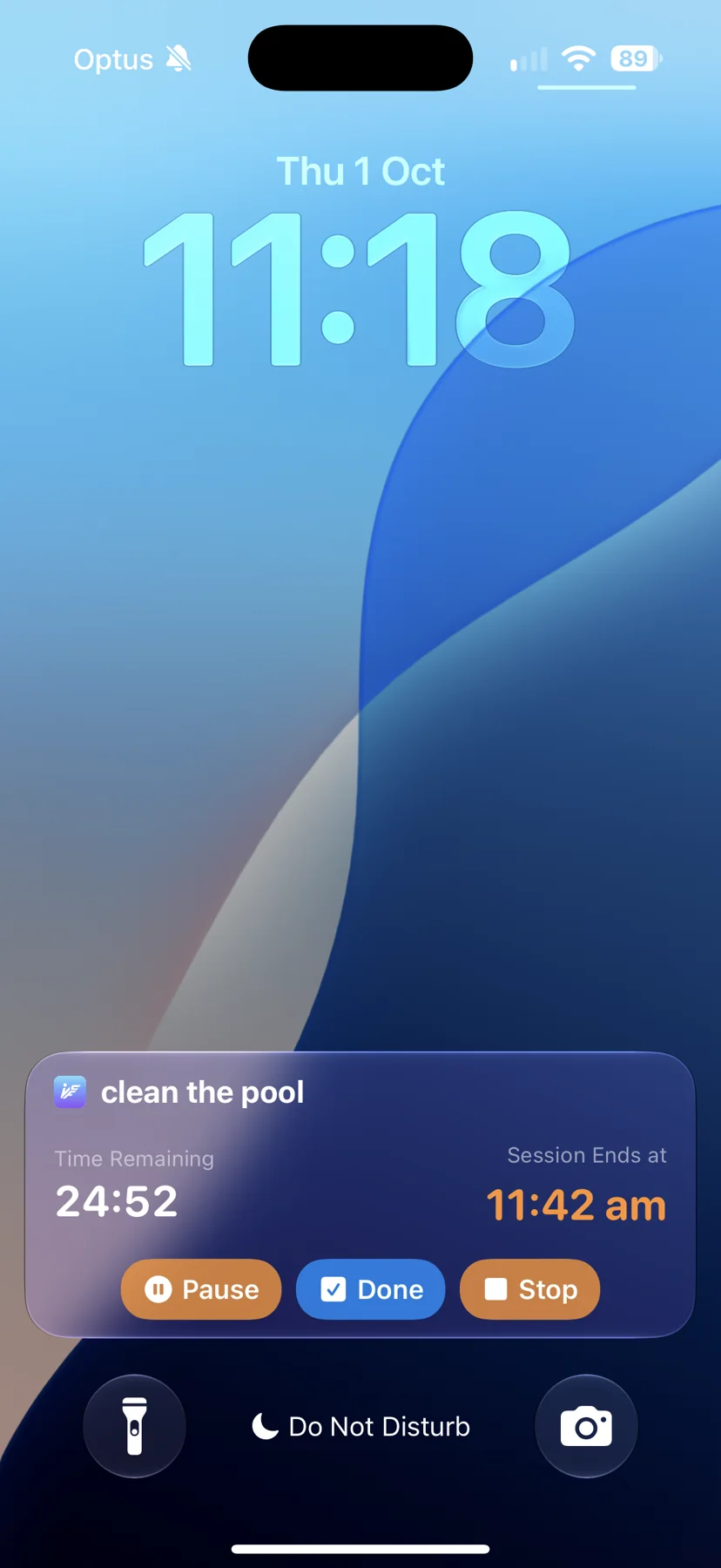
Keep a focus session in view with Live Activities and Dynamic Island, with an alarm to call time when the session ends.
Explore focus sessions ↗See the feeling behind the flow
Watch the iFocusFlow v1.7 film. Product screens and concept artwork introduce the new direction.
Playing loads a YouTube embed and connects to YouTube. Watch on YouTube ↗
The bigger picture
Explore the artwork behind the relaunch. These are concept illustrations, alongside real app screens.
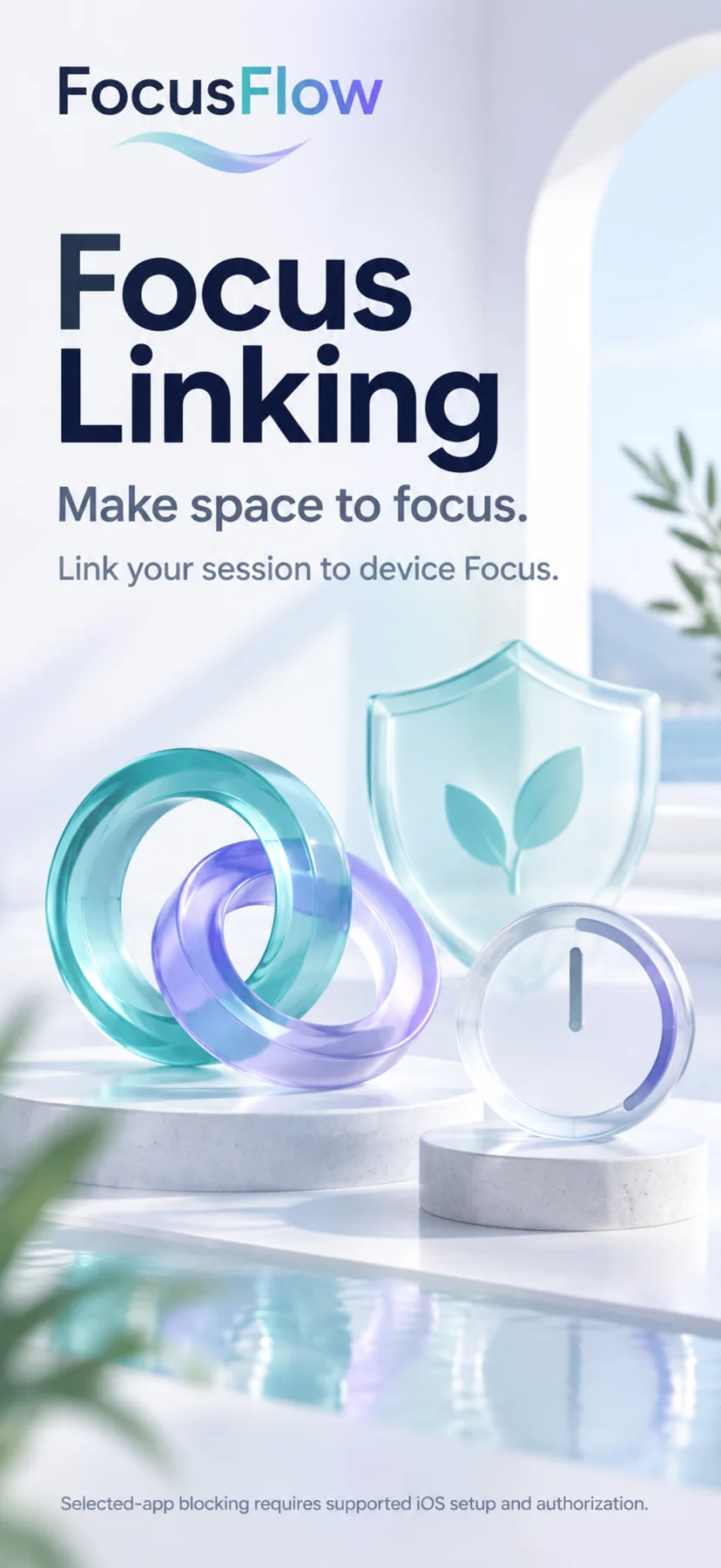
Focus linking depends on supported setup. Selected-app blocking requires authorization.
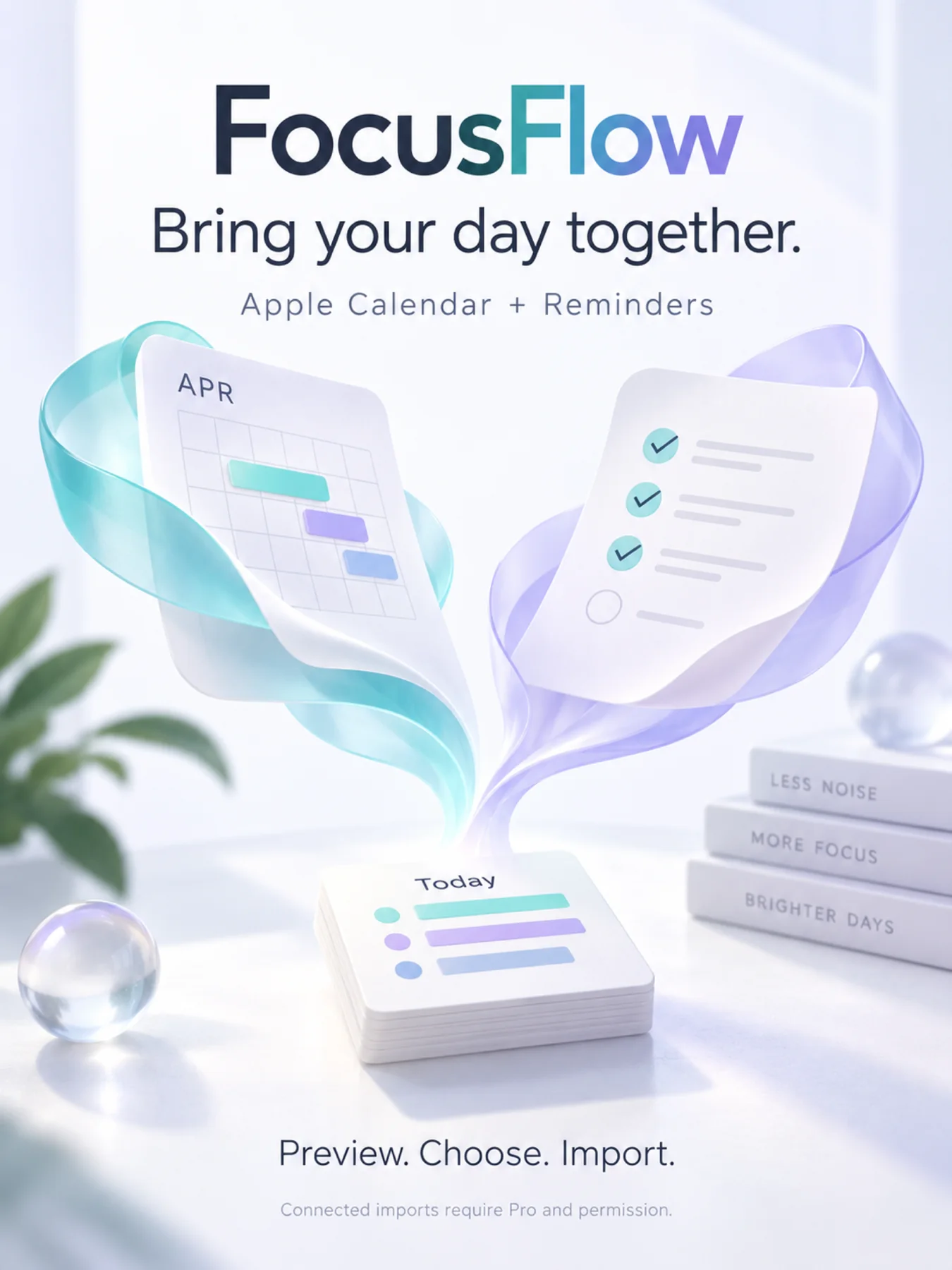
Apple import concept artwork from the v1.7 collection.
Voice availability varies by device and language.

No perfect day required
Start small. Come back when you’re ready.
Find iFocusFlow on the App Store ↗From the blog
Practical reading on time blindness, task switching, working memory, and planning when focus is uneven.
Switching from another app?
Looking for a Tiimo alternative? See how iFocusFlow compares.
iFocusFlow is a planning and productivity tool. It does not provide medical treatment or advice.
AI features require a supported device and configuration. Check the app for availability, Pro options and current pricing.
v1.7 is available now on the App Store for iPhone, iPad and Mac. Concept artwork on this page is illustrative. Connected and Auto Import require Pro, provider permissions and, for Google, sign-in.
Connect Apple Calendar & Reminders and Google Calendar & Tasks in Settings → Capture & Imports. Refresh connected sources and review candidates before adding. You can Include a first step, Ignore item, Display ignored items, or import past incomplete Google Tasks. iFocusFlow creates an opaque duplicate claim first and never edits the Calendar event or Reminder. Auto Import is Pro-only and can be paused without Pro; it runs on launch plus Background App Refresh, and iOS does not guarantee timing.
Read our privacy policy for on-device storage and optional iCloud sync. The v1.7 film connects to YouTube only when you choose to play it.